
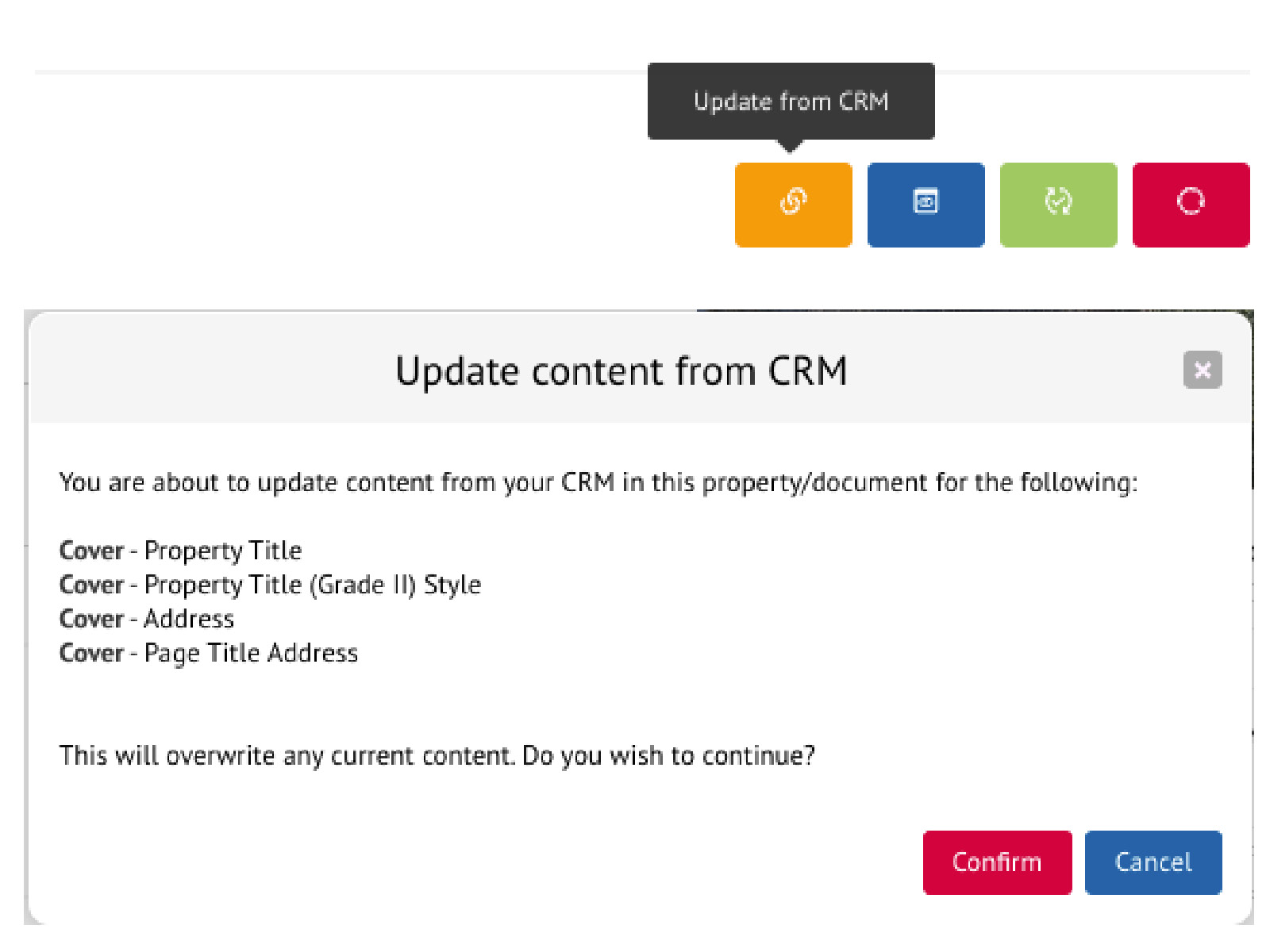
We’ve now added a manual ‘Update from CRM’ feature for Reapit and SalesForce customers who have certain fields configured for automatic updates in their templates. By default, there are core fields such as price, EPC rating, local authority and council tax that are instantly updated through webhooks and re-published in FluxPro when you make a change to your property record in your CRM, without any intervention by a user.
FluxPro now has the ability for customers to request for additional specific fields to be updated in their template by clicking on the new “Update from CRM” button.
Here’s how it works
Let’s say a client wants to ensure that certain content in their FluxPro document is always synchronised with their property record, like a strapline or an address field. We can quickly activate the automatic update feature for those fields, which will display ‘Update from CRM’ button and allow them to synchronise updated content in their CRM to their digital document in one simple click.

FluxPro will list any fields that are configured to be updated and will pull through any new content from the property record.
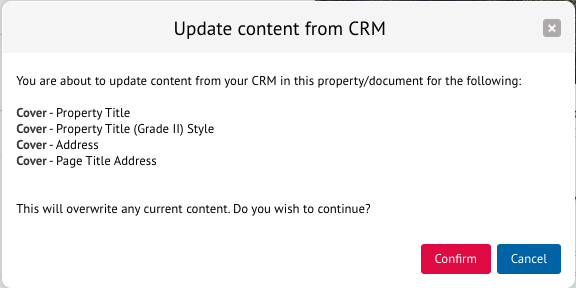
From there, just re-publish your document to see the changes.
